Less scrolling. More actually meeting people.
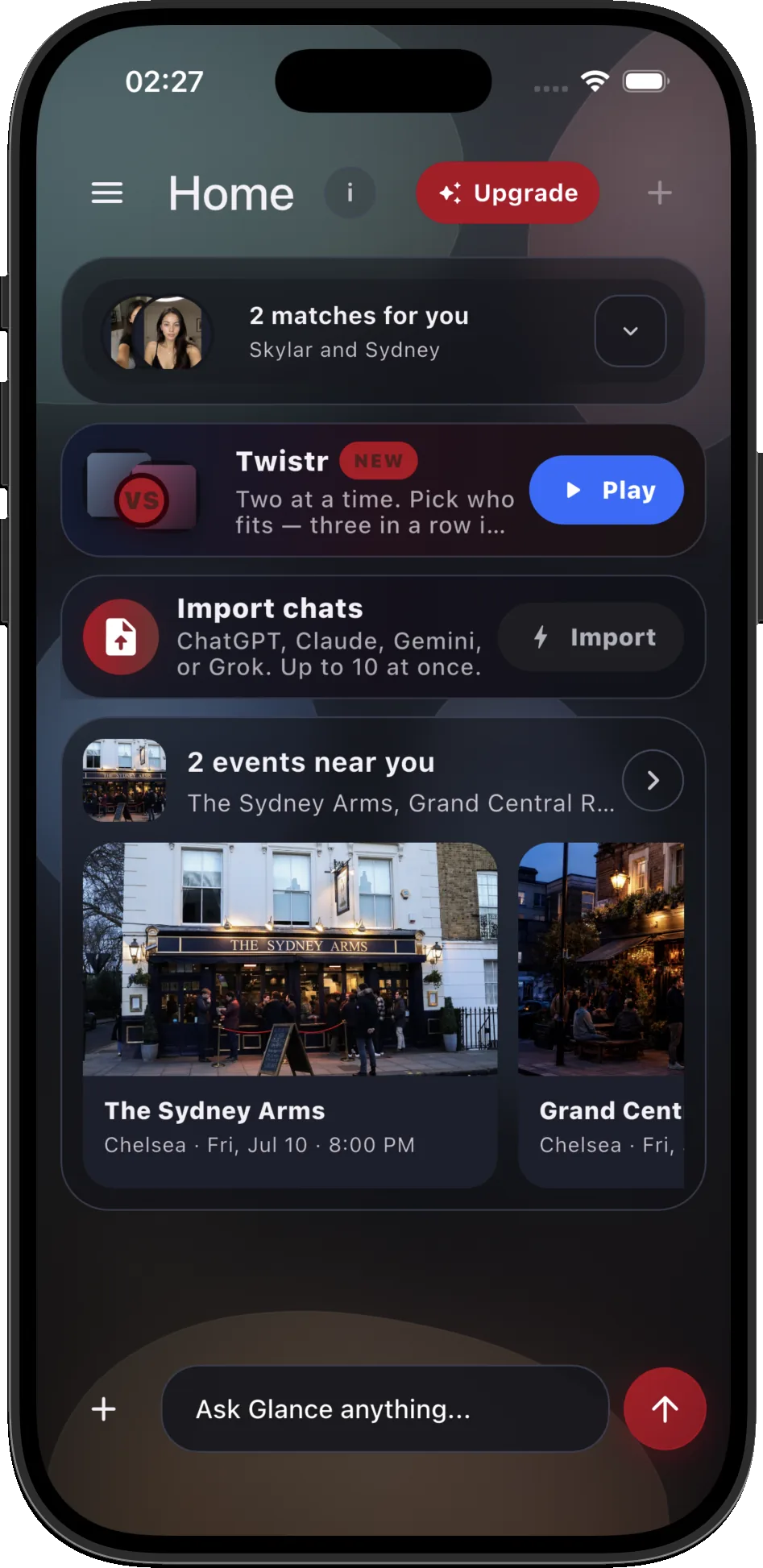
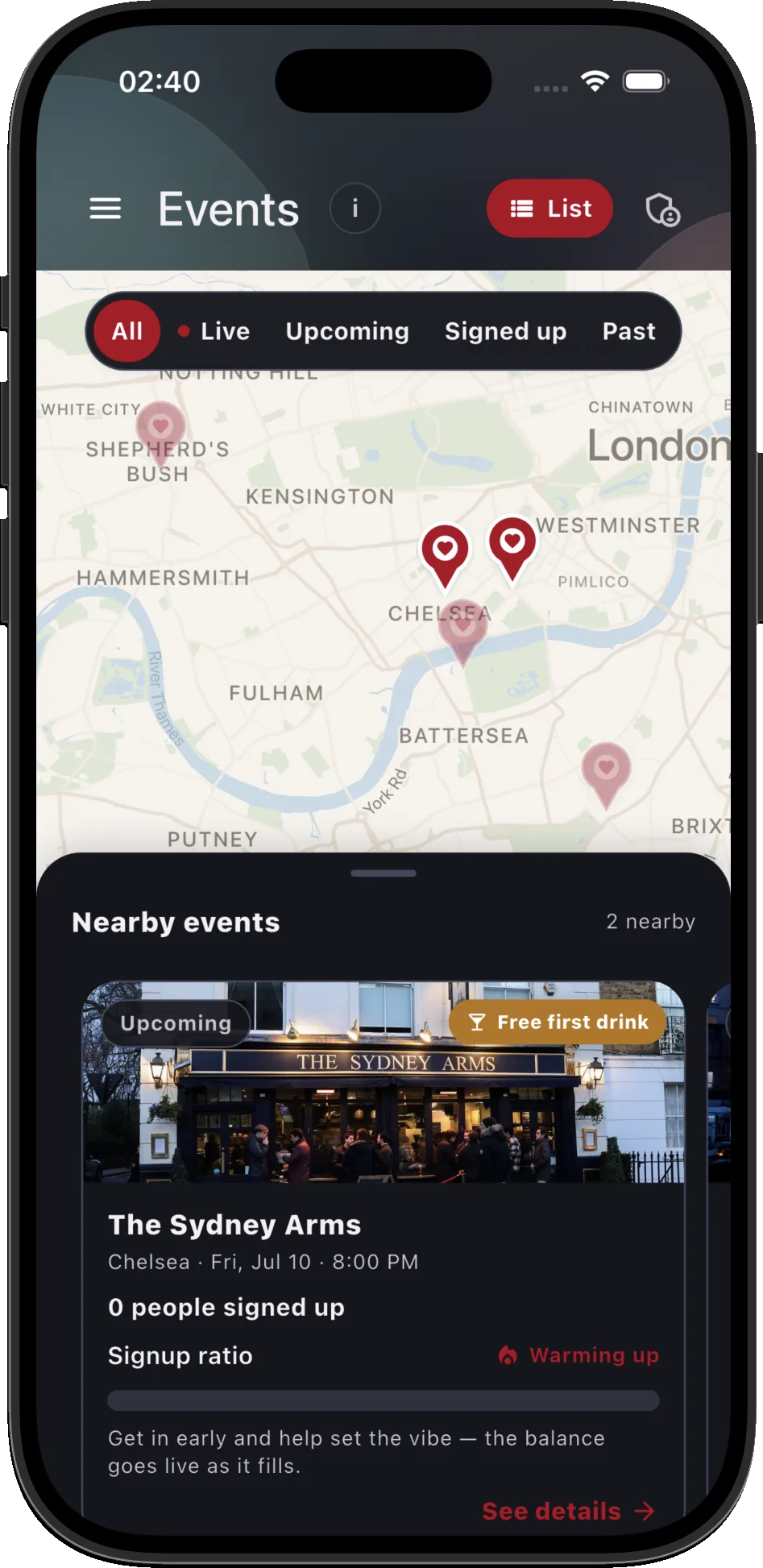
Two ways to a real date. Events mode shows who’s verified and open to approach around you. Glance Chat learns your type and recommends.
Get verified
A quick in-app selfie check confirms you’re real and able to sign up to the event.
Head out to venues
Go to your usual spots you love. Glance only shows verified users and those who are open to approach nearby.
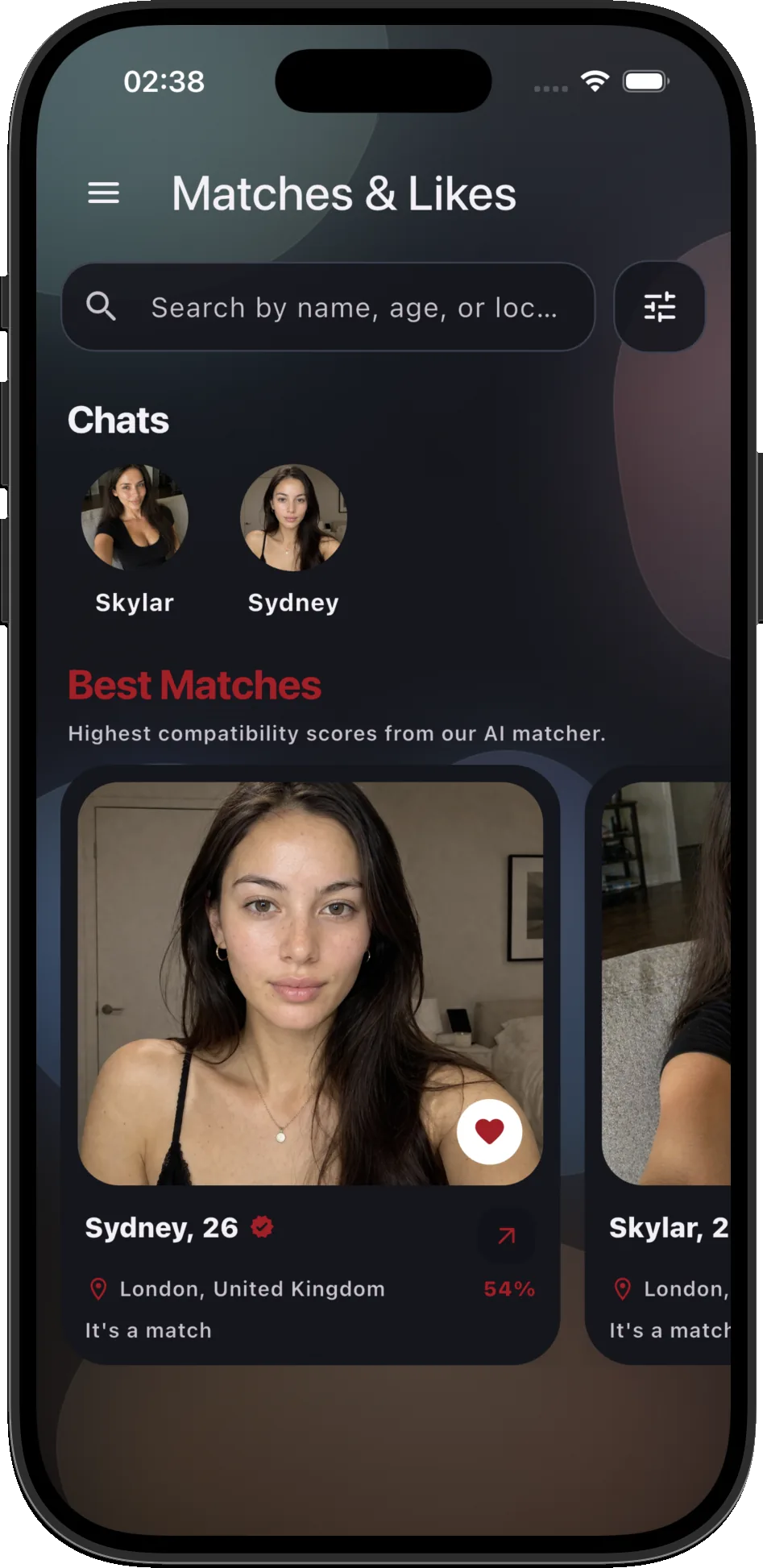
Match, then actually meet
If there’s mutual interest, go up to them and chat to them in real life. Alternatively, send a message or a voice note and plan a date.
Talk to Glance Chat
No 40-question form. Chat your vibe and get smart picks with written reasons.
Two paths, one goal.
Meet through the app first, or while you’re already out.
Start in the room
Go to a venue you already like. Open Glance to see verified people nearby and who’s open to being approached.
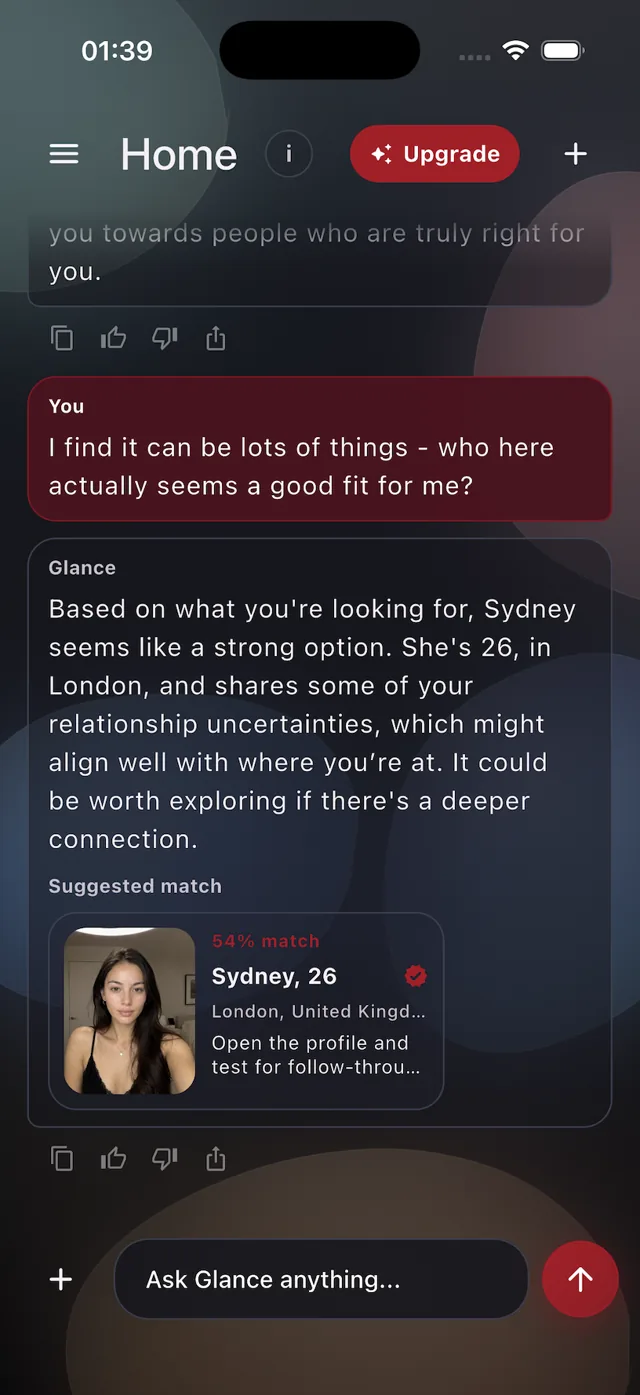
Start in the app
Use Glance Chat or recommendations to find someone who feels worth meeting. If there’s mutual interest, message, send a voice note, then take it offline.
A real conversation
The app should disappear at the right moment. The point isn’t to keep you scrolling - it’s to help you meet.